How to Set Up Your First Adviserry Board in 5 Minutes
How to Set Up Your First Adviserry Board in 5 Minutes
I'm going to keep this one simple. No extended metaphors, no self-deprecating stories about my failures (okay, maybe one). Just a straightforward walkthrough of how to go from zero to asking your first question on Adviserry Boards.
Five minutes. Maybe seven if your internet is slow. Let's go.
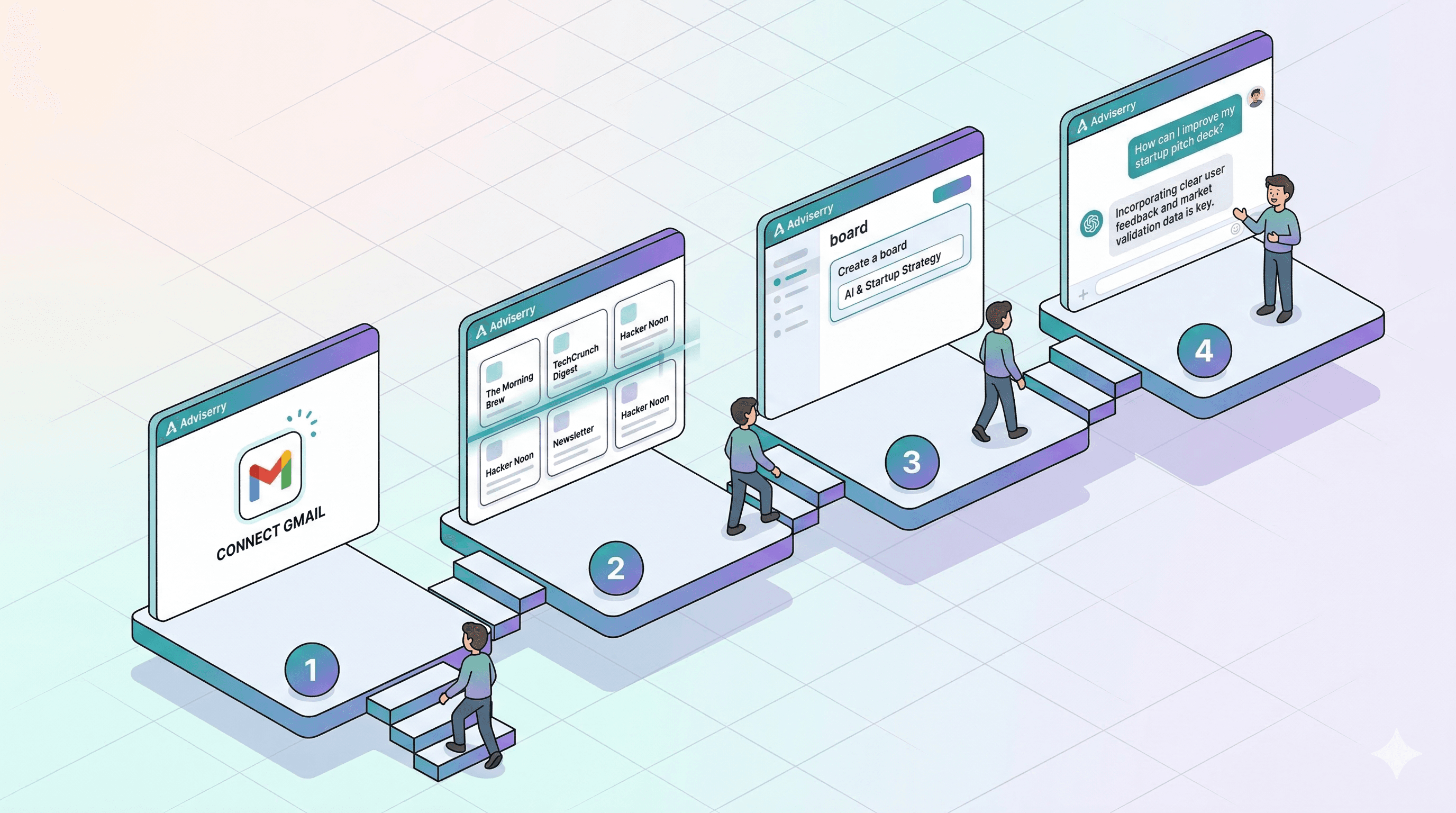
Minute 1: Sign up and hit the dashboard. Head to adviserry.com and create an account. Standard stuff. Once you're in, you'll see the dashboard with a Content Discovery section at the top and a Your Boards section below it. The dashboard will feel empty right now. That's about to change.
Minute 2: Connect your Gmail. Click "Connect Gmail" in the Content Discovery section. Sign in with Google and grant Adviserry read-only access to your email. (Read-only means we can see your emails but can't send, delete, or modify anything. Your OAuth tokens are encrypted with AES-256-GCM. I'm a little paranoid about security.) If you also want to add YouTube channels later, grant the YouTube access when prompted. You'll be redirected back to your dashboard with Gmail showing as connected.
Minute 3: Scan for newsletters and create a board. Click "Scan for Newsletters." Adviserry scans your inbox and shows you a list of every newsletter sender it finds. You'll probably be surprised by how many you're subscribed to. I found 47. Pick the ones you want (start with 5-10 for your first board, you can always add more later) and create a board to put them in.
Give it a name that describes the topic: "Marketing," "AI & Tech," "SaaS Growth," "Personal Development," whatever matches the newsletters you selected. Click Create, confirm your selections, and you're done with the setup.
Minutes 4-5: Watch the magic happen (and ask your first question). Adviserry starts processing your newsletters in the background. It fetches recent issues, extracts the content, generates AI summaries, and indexes everything for search. You'll see progress indicators on your board as items move from "Pending" to "Processing" to "Processed."
You don't have to wait for everything to finish. As soon as a few items are processed, you can start chatting. Click "Chat" in the sidebar, select your board, and ask a question.
Good first questions to try:
"What are the latest trends in [your board topic]?"
"Summarize what [specific newsletter] said about [topic you care about]"
"What advice do my sources have about [specific business challenge]?"
The AI searches across your processed content and gives you an answer with source citations, so you can see exactly which newsletter issue or video the information came from.
That's it. You're done.
A few things to do in the next few days:
Import historical issues. By default, Adviserry grabs your most recent newsletter issues. If you want deeper coverage (and better AI answers), you can import up to 12 months of historical issues from the board management page. More content means better answers.
Add YouTube channels. From your board, click "Add YouTube" to search for channels or browse your YouTube subscriptions (if you granted YouTube access during Gmail setup). Adviserry fetches the 50 most recent long-form videos, transcribes them, and adds them to your board. You can also add up to 1,000 historical videos per channel from the source menu.
Set up your daily digest. Go to Settings and turn on the daily summary email. Pick your preferred delivery time and timezone. Every day you'll get an email highlighting the latest content across your boards. It's like a personalized newsletter about your newsletters.
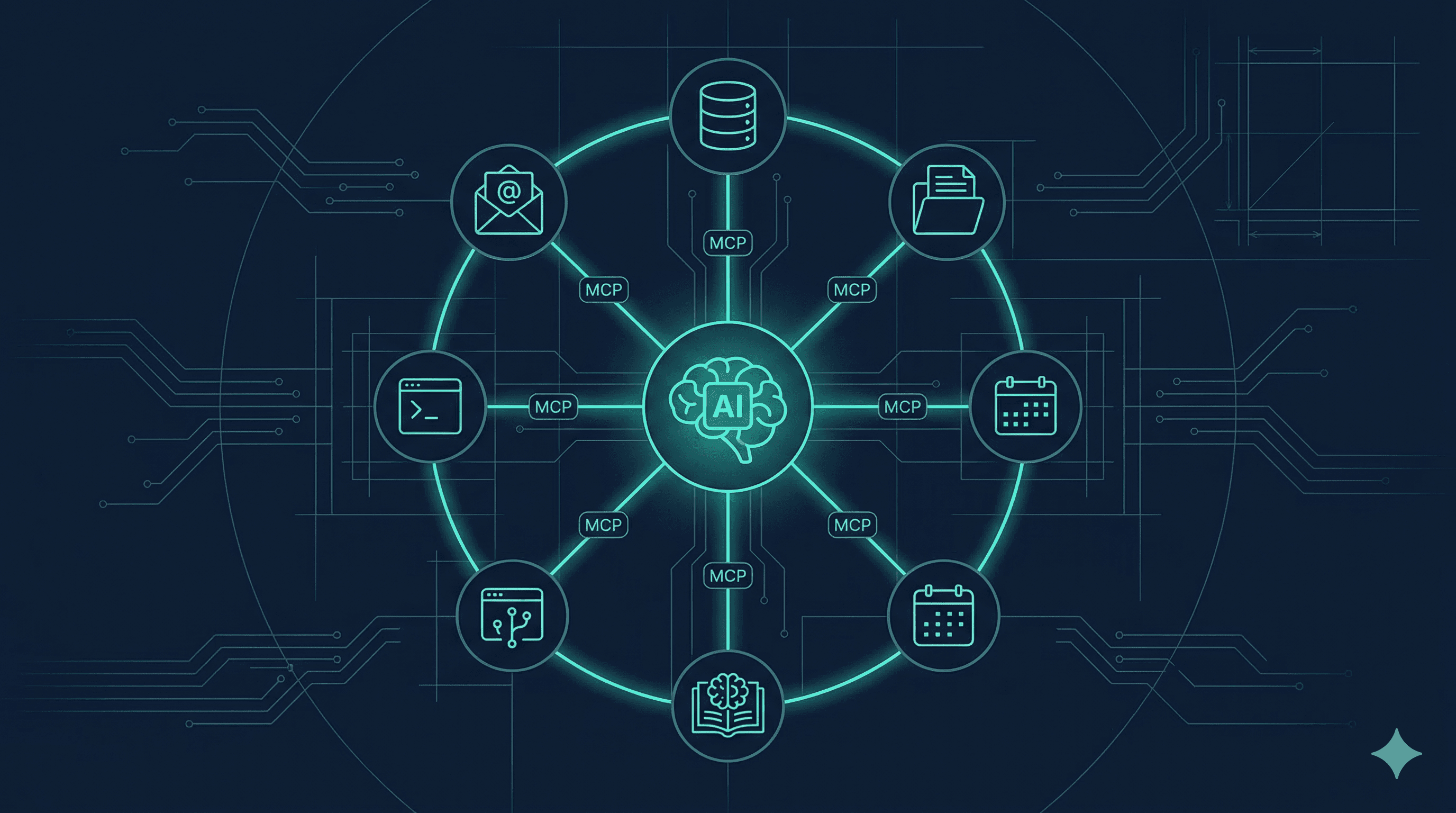
Connect the MCP server. If you use Claude Desktop or ChatGPT, go to Settings and copy your MCP token and endpoint URL. This lets you query your boards directly from those apps without opening Adviserry. The setup takes about 2 minutes and the convenience is worth it.
I told you this would be simple. The whole product is designed so you do about five minutes of setup and then it works on its own from there. Your boards get smarter as more content comes in, your newsletters sync automatically, and your YouTube channels update every six hours.
The one mistake I see people make: starting with too many boards and too many sources. Start with one board, 5-10 sources, and get comfortable with the workflow. You can always expand later. Three boards with focused topics will give you better answers than one board with everything dumped in.
Now go ask your board something. That's the fun part.