How to Turn Your YouTube Subscriptions Into a Searchable Knowledge Base
How to Turn Your YouTube Subscriptions Into a Searchable Knowledge Base
I'm subscribed to something like 40 YouTube channels. Business strategy, product design, coding tutorials, marketing breakdowns, the occasional cooking channel that has nothing to do with work but makes me feel like a well-rounded person.
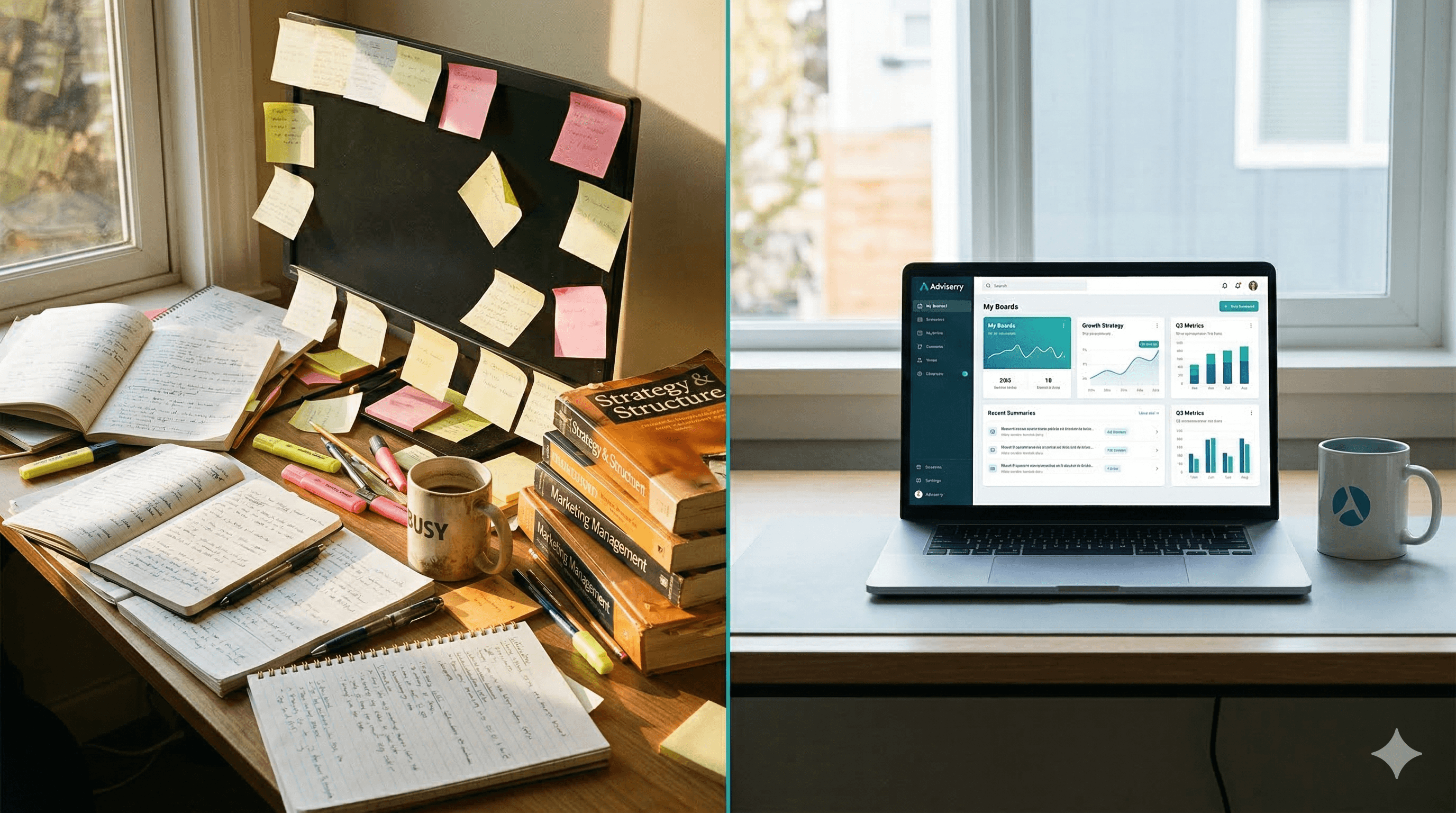
The business channels alone probably publish 20+ hours of content per week. I watch maybe 2 hours of it. The other 18 hours disappear into the algorithmic void, never to be thought of again.
And then, inevitably, I'll be in a meeting and think "didn't Hormozi do a video about exactly this?" and spend 15 minutes scrolling through his channel trying to find it. Sometimes I find it. Usually I give up and just wing it.
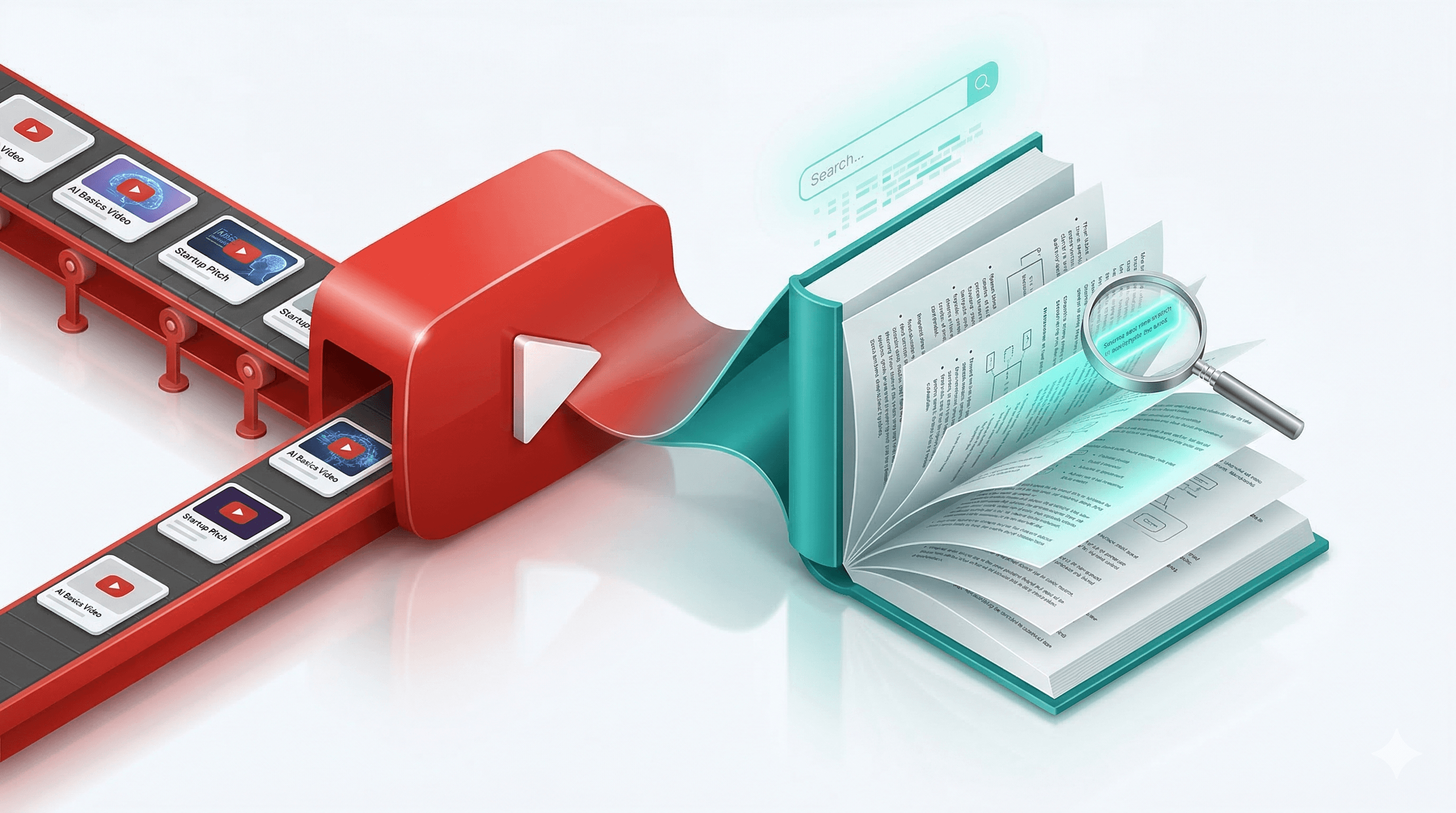
The fix: I added my YouTube subscriptions to Adviserry Boards and turned them into a searchable, chat-enabled knowledge base. Every video gets transcribed, summarized, and indexed. Now instead of scrolling through channels, I just ask questions and get answers with citations pointing to the specific video.
Here's how to set it up.
Step 1: Make sure YouTube access is enabled. When you first connect your Gmail to Adviserry, there's an option to also grant YouTube access (using the youtube.readonly scope). If you already connected Gmail without YouTube, you can disconnect and reconnect from Settings to add the YouTube permission. This gives Adviserry access to your subscription list, which makes adding channels way easier.
Step 2: Add channels from your subscriptions. From the dashboard Content Discovery section, click "YouTube Subscriptions." You'll see a list of all your YouTube subscriptions. Select the channels you want to add, pick which board to put them on, and click "Add Selected." You can also add channels from within a board by clicking "Add YouTube" and searching by channel name or pasting a URL.
Step 3: Wait for the initial sync. When you add a channel, Adviserry automatically fetches the 50 most recent long-form videos (anything over 60 seconds, up to 90 minutes). For each video, it pulls the transcript, converts it to markdown, generates an AI summary, and creates searchable embeddings. This happens in the background, so you can keep doing other stuff. You'll see progress on your board page as items move from "Pending" to "Processed."
Step 4: Import historical videos for deeper coverage. 50 videos is a good start, but for channels with deep archives (Hormozi has thousands), you'll want more. Go to your board, find the channel in the Sources tab, click the dropdown menu, and select "Add up to 1k historical videos." This triggers an extended sync that grabs up to 1,000 long-form videos with a progress modal you can follow or dismiss (it continues in the background either way).
Step 5: Start searching and chatting. Once videos are processed, you can search across all your YouTube content just like newsletters. Open Chat, select your board, and ask questions. "What did Hormozi say about high-ticket offers?" pulls from his actual video transcripts. "Compare what My First Million and Lenny's podcast say about AI startups" cross-references multiple channels.
Things worth knowing:
Shorts are automatically filtered out. Anything 60 seconds or less gets skipped during sync. You're getting long-form content only, which is where the real substance lives.
Videos over 90 minutes are also skipped. This covers most content, but if your favorite creator does 3-hour livestreams, those won't be included. (If you need longer videos supported, Adviserry's founder would love to hear about it. Email adam@cassontech.com.)
New videos sync automatically every 6 hours. You don't have to manually add new content. The cron job checks for new uploads and processes them in the background.
Transcripts come from YouTube's own captions. Most channels have auto-generated captions, and many have manual ones. The quality is generally good, though auto-generated captions sometimes struggle with technical terms or proper nouns.
My current YouTube setup:
I have 8 YouTube channels spread across two boards. My "Growth & Offers" board has Hormozi, My First Million, and GaryVee. My "Product & Tech" board has Lenny's podcast, Y Combinator, and a few coding channels. Between them, I have roughly 800 processed videos, all searchable.
The difference between "I think I saw a video about this" and "here's exactly what the video said, with a link to watch the specific part" is enormous. It's the difference between having a YouTube subscription and actually getting value from it.
Add your channels. Import the history. Start asking questions. Your YouTube subscriptions are already a library. Now they're a library with a search bar.